
15 COPY-PASTE PROMPTS
One idea, 15 visuals.
Turn one idea into 15 different visuals: blueprint, roadmap, flowchart, iceberg, timeline and more.
How to use
Paste a prompt into ChatGPT, Gemini or any image model. Replace the parts in [BRACKETS] with your idea. Keep labels short, 3 to 6 words, so the model spells them right.
The previews were drawn for my reel, all on one example idea: a coffee shop. Your results will vary by model.
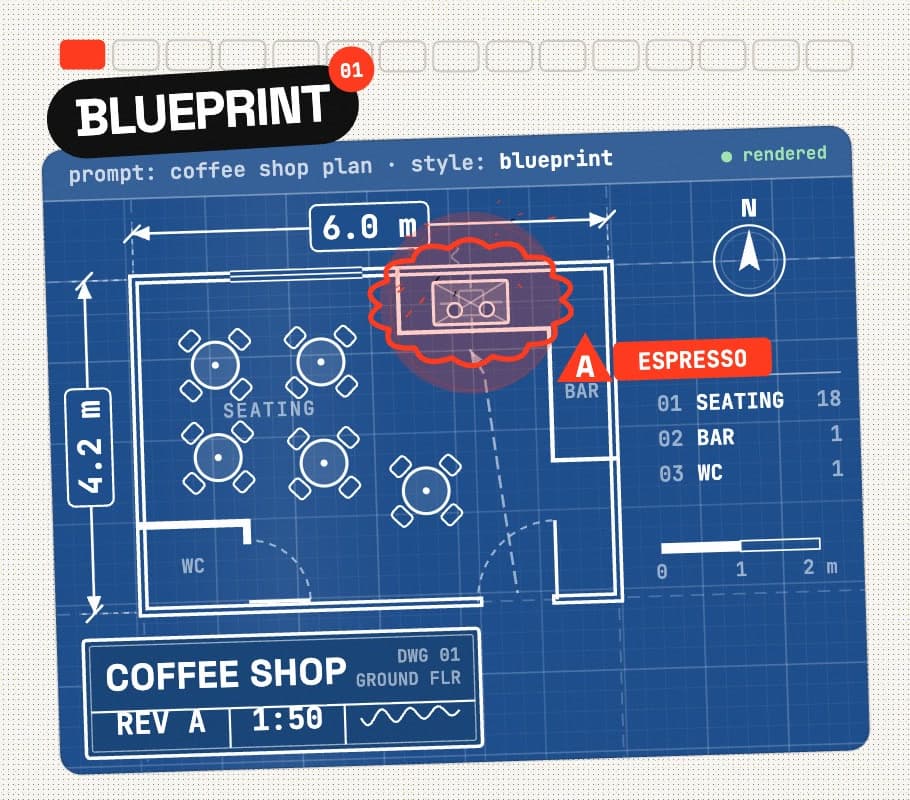
STYLE 01
Blueprint
BEST FOR Product ideas, floor plans, anything you want to look engineered
Create a technical blueprint of [TOPIC]. Deep navy blueprint paper with a fine white grid, crisp white line work, dimension lines with arrows and measurements, small callout labels, and a title block in the bottom corner with the project name and "REV A". Use these parts as labels: [DETAILS]. Flat, top-down, precise, like an engineer's drafting sheet. Vertical 4:5.
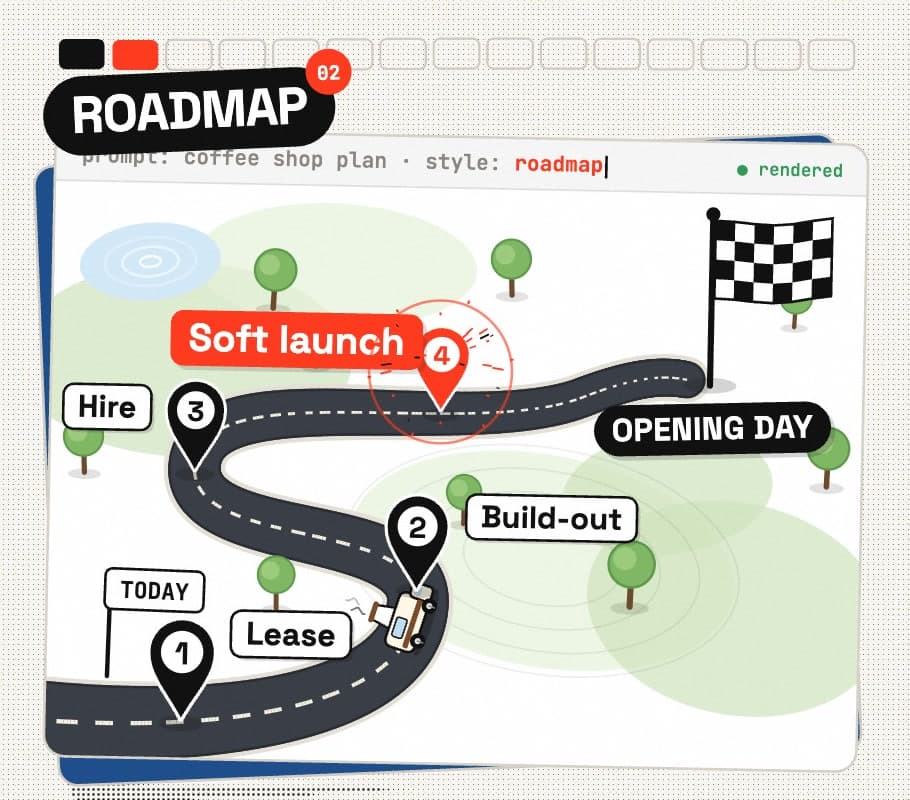
STYLE 02
Roadmap
BEST FOR Goals, launches and plans with clear milestones
Draw [TOPIC] as a roadmap: one winding road from the bottom-left to a finish flag at the top-right, seen in a slight 3/4 view. Place a numbered milestone pin with a short label at each stage: [DETAILS]. Clean flat illustration, soft shadows, light background, bold readable labels. Vertical 4:5.
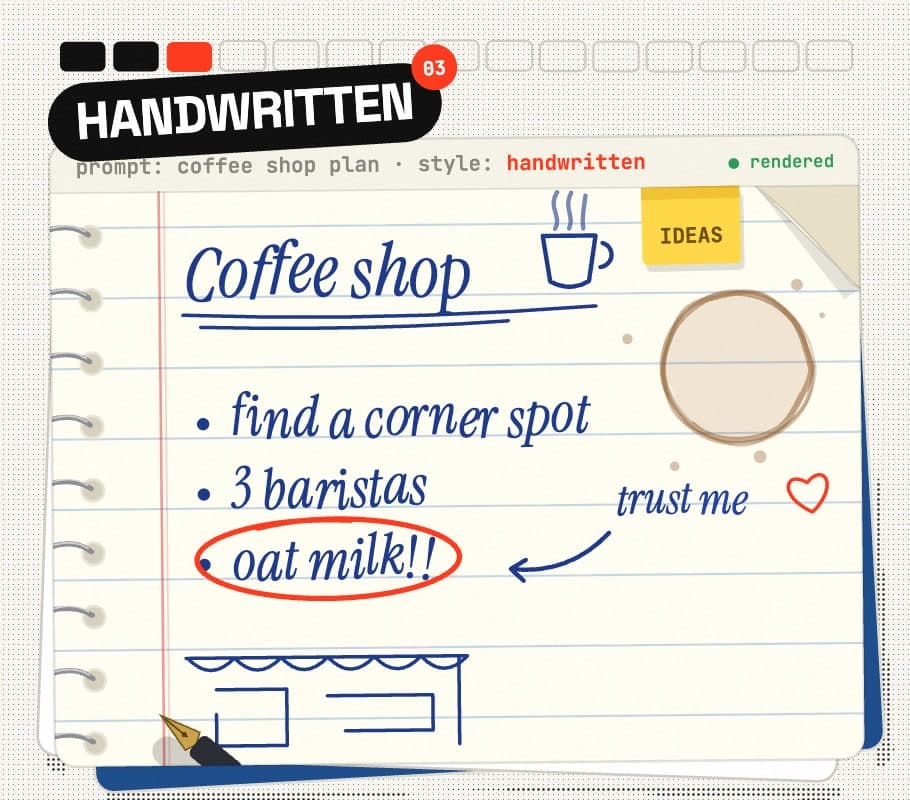
STYLE 03
Handwritten
BEST FOR Personal tips and advice that should feel human
Make [TOPIC] look like a page from a friend's notebook: lined paper with a red margin, blue ballpoint handwriting, a few underlines, arrows, a circled key point, a small doodle in the margin and a faint coffee ring. Notes to write: [DETAILS]. Natural and slightly messy, but every word legible. Photo taken from directly above, vertical 4:5.
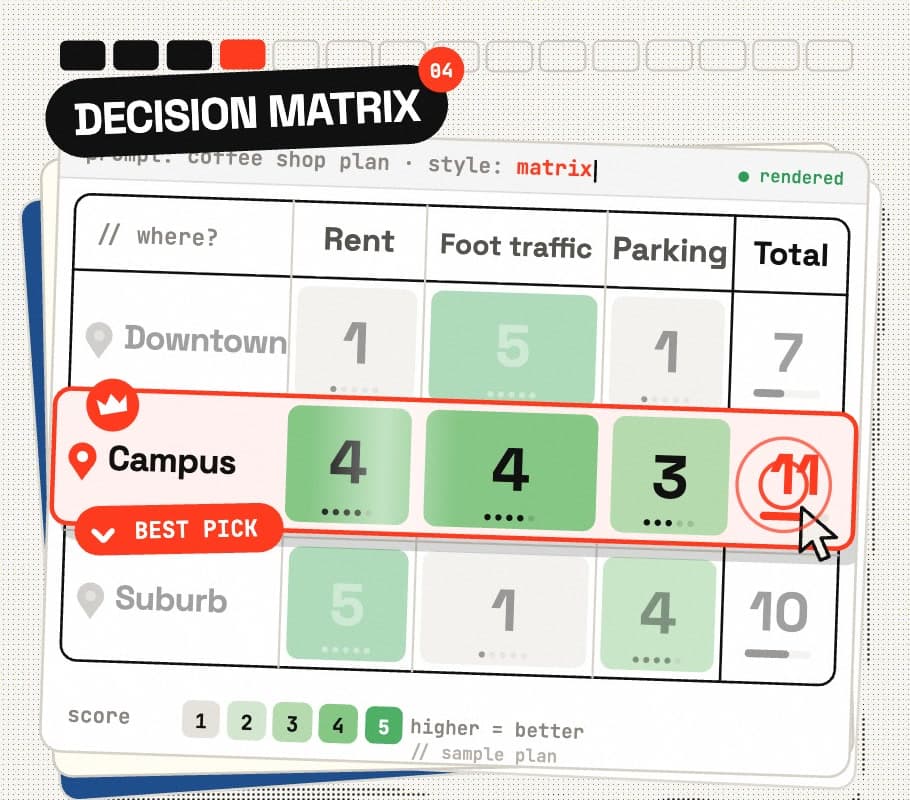
STYLE 04
Decision matrix
BEST FOR Picking between options when the choice is not obvious
Create a decision matrix for [TOPIC]. Options as rows: [OPTIONS]. Criteria as columns: [CRITERIA], plus a Total column. Put a score from 1-5 in every cell, tint each cell from light to dark by score, and highlight the winning row with a bold outline and a check mark. Clean modern table design, generous spacing, large numbers. Vertical 4:5.
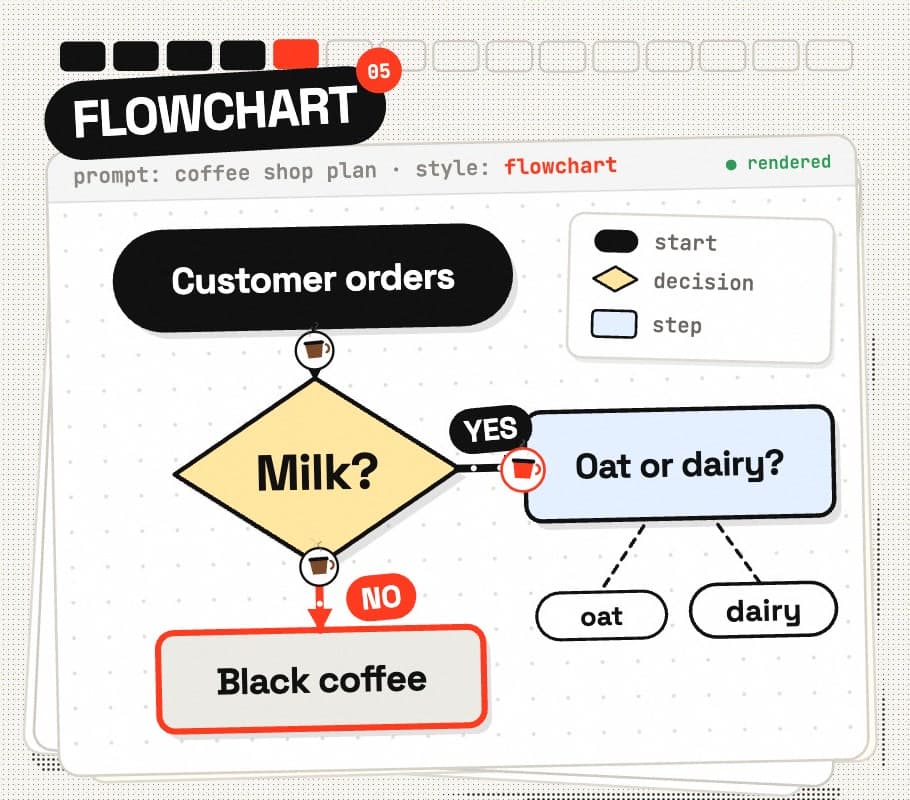
STYLE 05
Flowchart
BEST FOR Processes, onboarding steps and if-this-then-that logic
Turn this process into a clean flowchart: [DETAILS]. Rounded rectangles for steps, diamonds for yes/no decisions, labelled YES/NO arrows, one start and one end node. Top-to-bottom flow, no crossing lines, two accent colours (one for YES paths, one for NO paths), white background. Vertical 4:5.
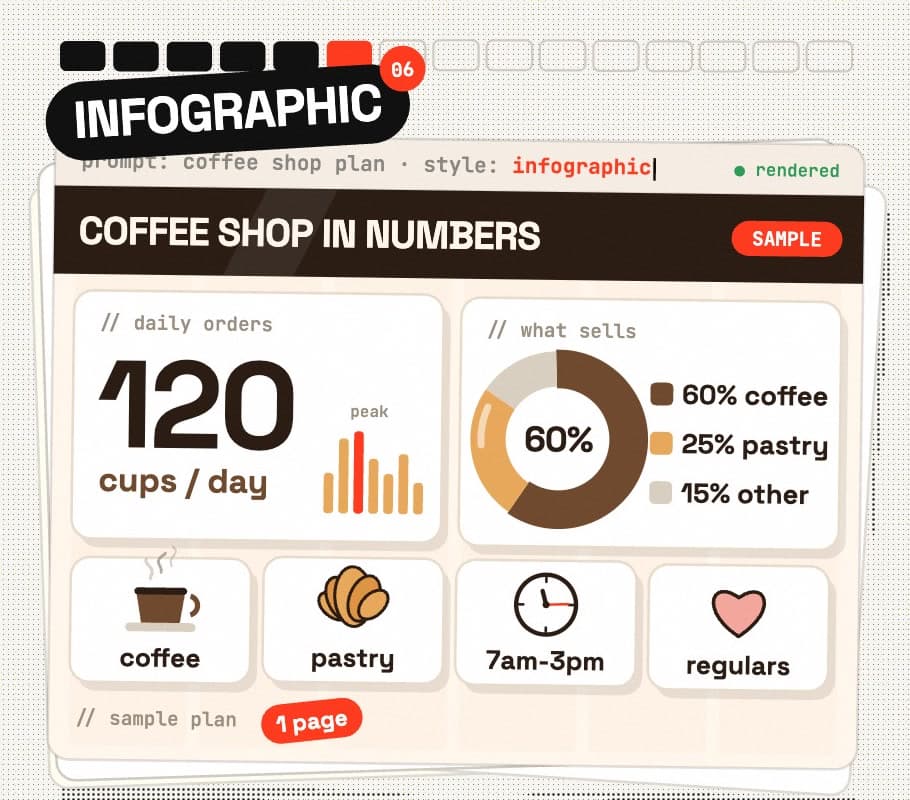
STYLE 06
Infographic
BEST FOR Stats, survey results and "by the numbers" posts
Design a one-page infographic about [TOPIC]. A bold header band, one big hero number, a donut chart, a row of 4 simple icons with short captions, and 2-3 key stats in cards. Data: [DETAILS]. Modern flat style, strict grid, lots of white space, two-colour palette. Vertical 4:5.
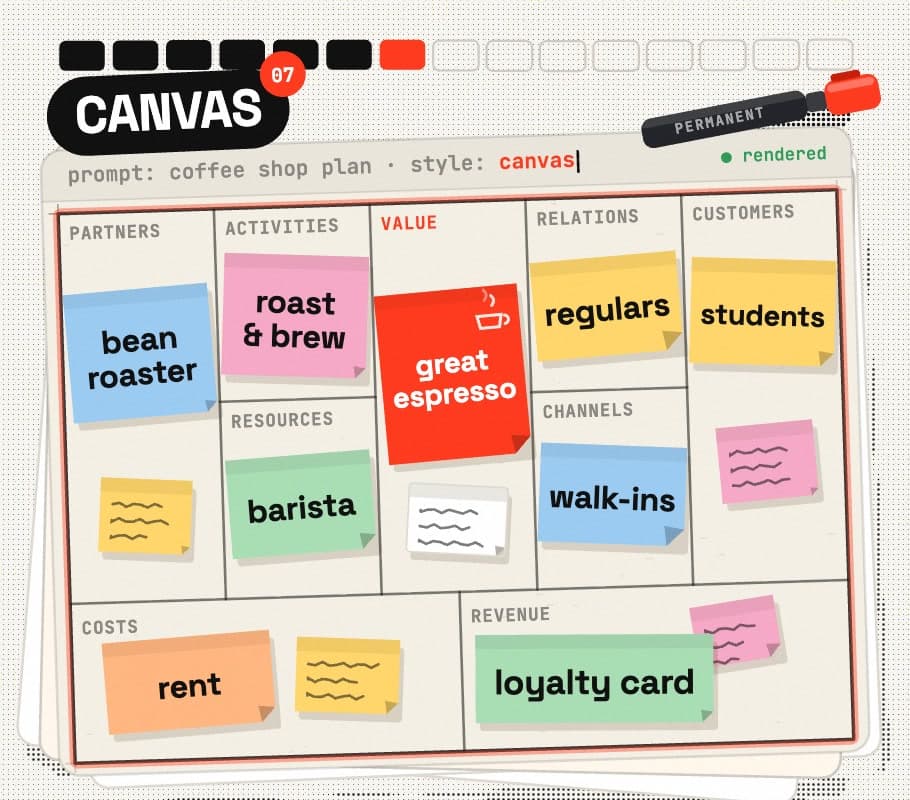
STYLE 07
Canvas
BEST FOR Business ideas and side projects on one page
Create a business model canvas for [TOPIC]: the classic 9-block layout (Key Partners, Key Activities, Key Resources, Value Proposition, Customer Relationships, Channels, Customer Segments, Cost Structure, Revenue Streams). Fill each block with 1-3 coloured sticky notes in short handwriting: [DETAILS]. Photographed on a whiteboard, slightly angled, vertical 4:5.
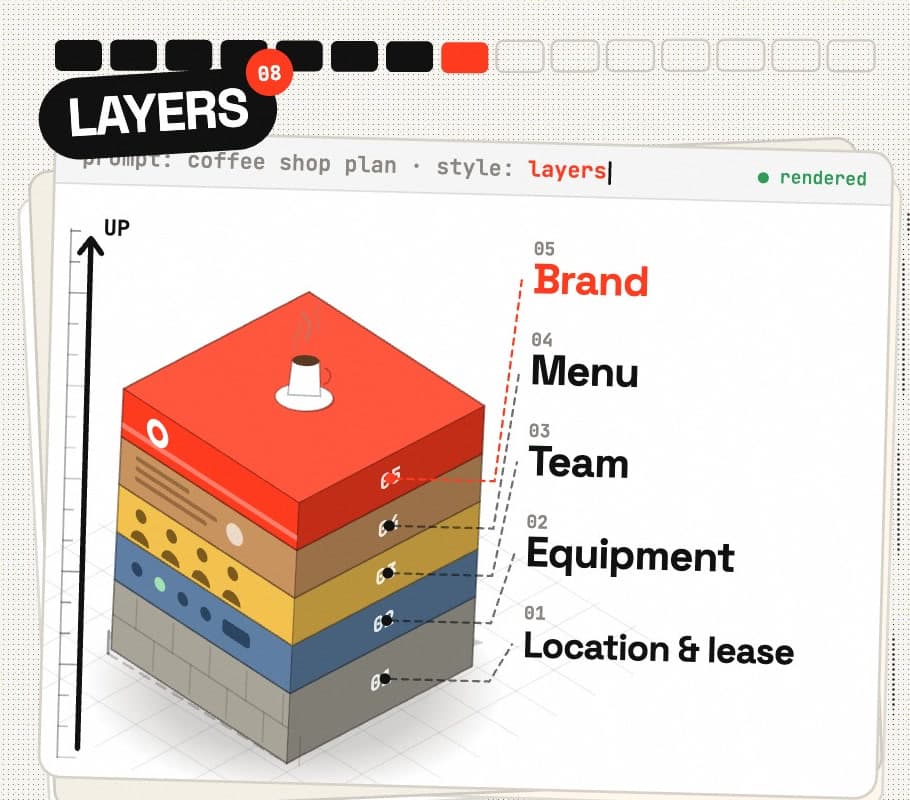
STYLE 08
Layers
BEST FOR Tech stacks, systems and skills that build on each other
Show [TOPIC] as a stack of layers: thick isometric slabs stacked from the foundation at the bottom to the top layer. Each slab has its own colour and a label on its front edge: [LAYERS, bottom to top]. Soft shadows between the slabs, a short description on a leader line next to each layer, light background. Vertical 4:5.
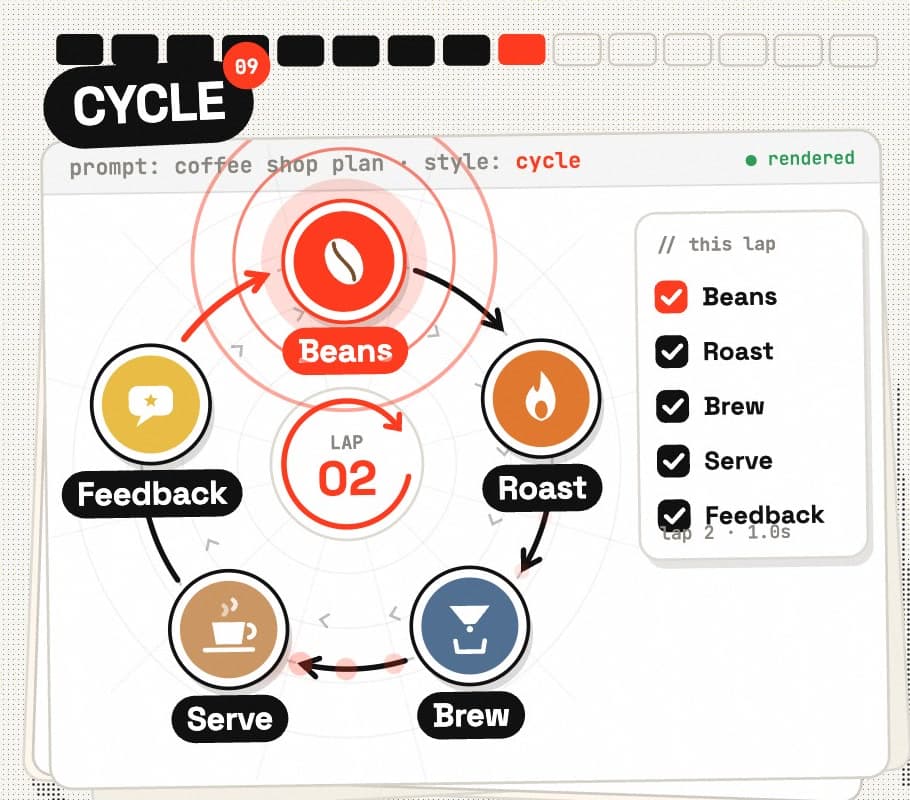
STYLE 09
Cycle
BEST FOR Habits, feedback loops and anything that repeats
Draw [TOPIC] as a cycle diagram: [N] stages evenly spaced around a circle, joined by curved arrows that loop back to the start. Stages: [DETAILS]. Each stage gets a simple icon and a short label, with a small title in the centre. Flat modern style, one colour per stage. Square 1:1.
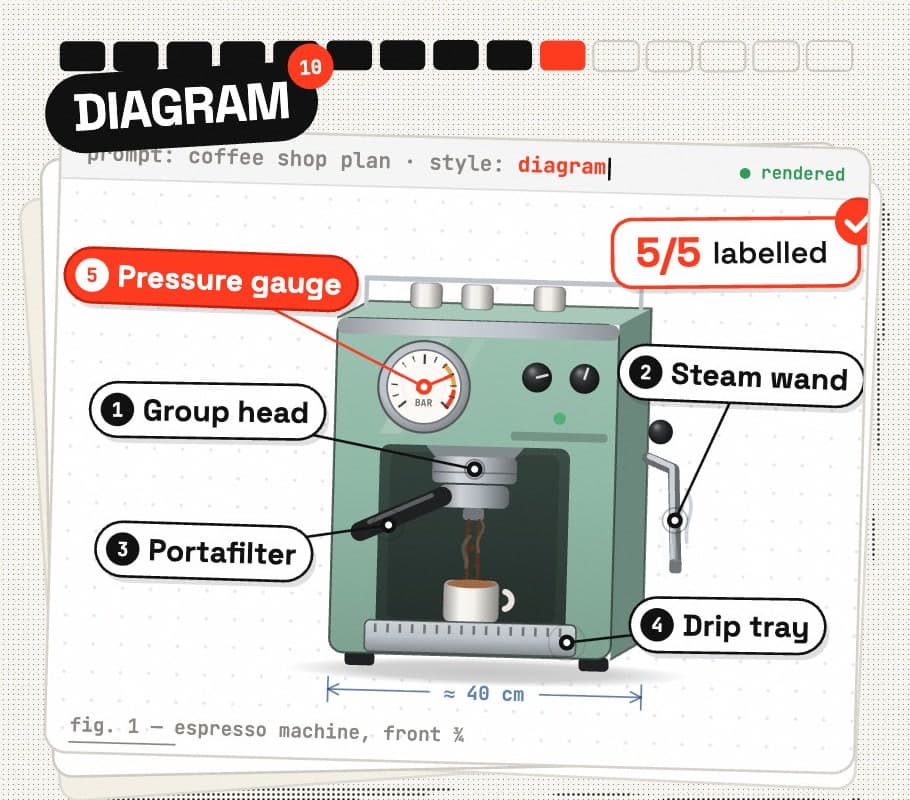
STYLE 10
Diagram
BEST FOR Explaining the parts of a product or tool
Create a labelled diagram of [OBJECT]. A clean, realistic illustration in the centre, with thin leader lines to callout labels around it: [PARTS]. Numbered labels, consistent font, white background, textbook clarity, nothing cut off. Vertical 4:5.
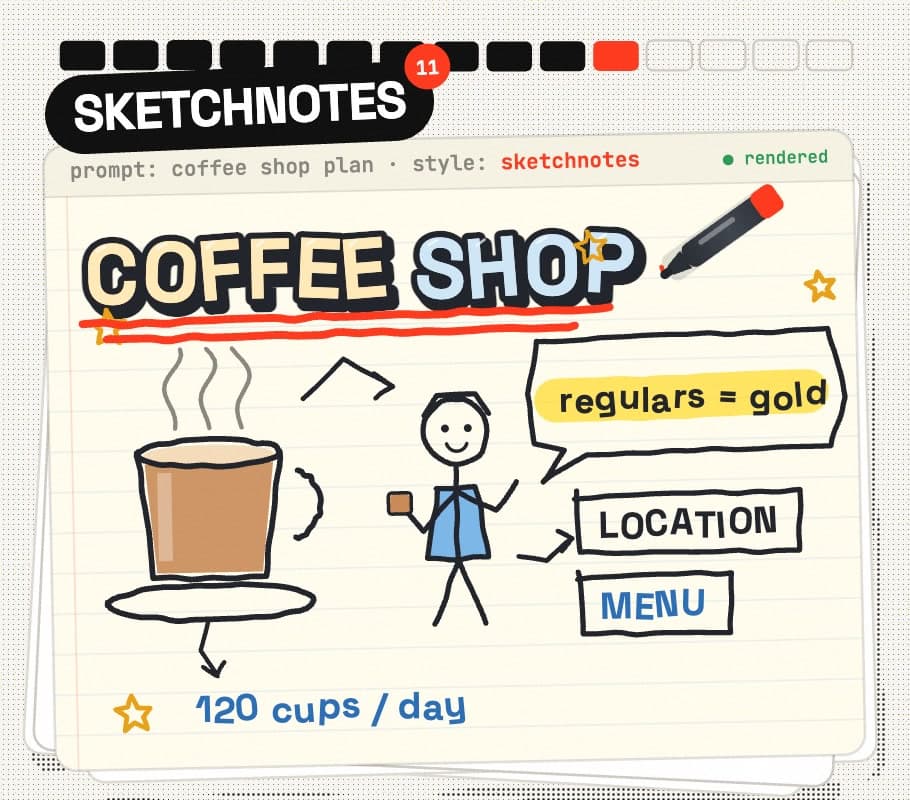
STYLE 11
Sketchnotes
BEST FOR Talks, podcasts, books and course notes
Turn [TOPIC] into sketchnotes, like someone took visual notes during a live talk: a hand-lettered title in a banner, doodles and simple icons, arrows connecting ideas, boxed key words, a speech bubble, small stick figures and one highlighter colour. Key points: [DETAILS]. Black marker on off-white paper, vertical 4:5.
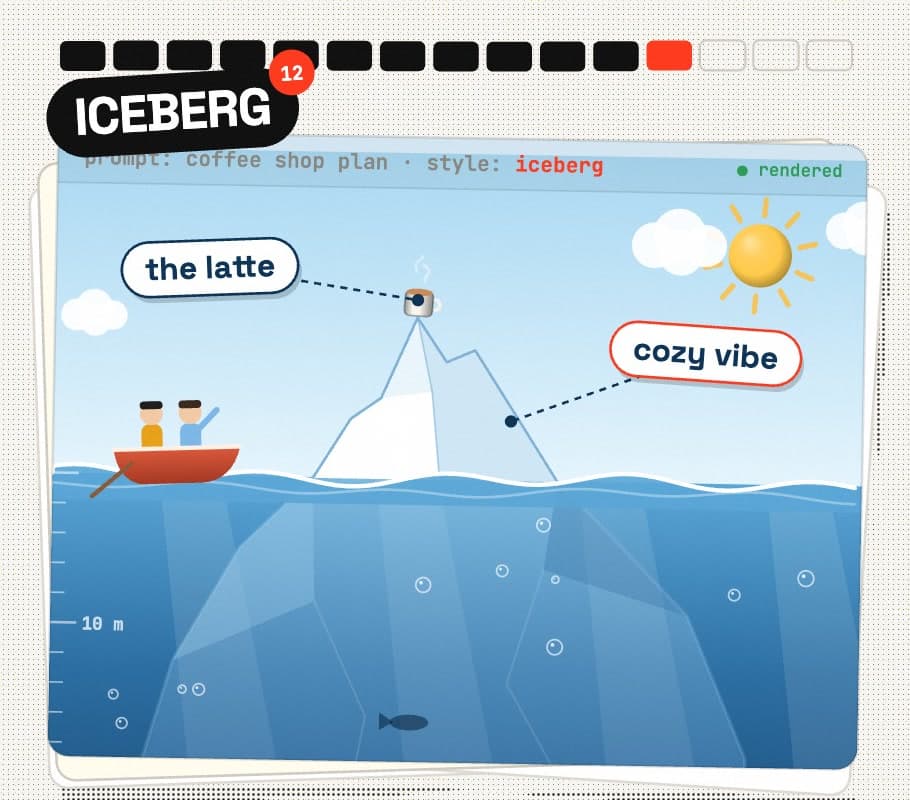
STYLE 12
Iceberg
BEST FOR What people see vs the work nobody sees
Create an iceberg diagram for [TOPIC]. The small tip above the waterline shows what people see: [VISIBLE]. The huge mass below the water shows what is hidden: [HIDDEN]. Labels on both parts, light sky, deep blue water getting darker with depth, clean vector style. Vertical 4:5.
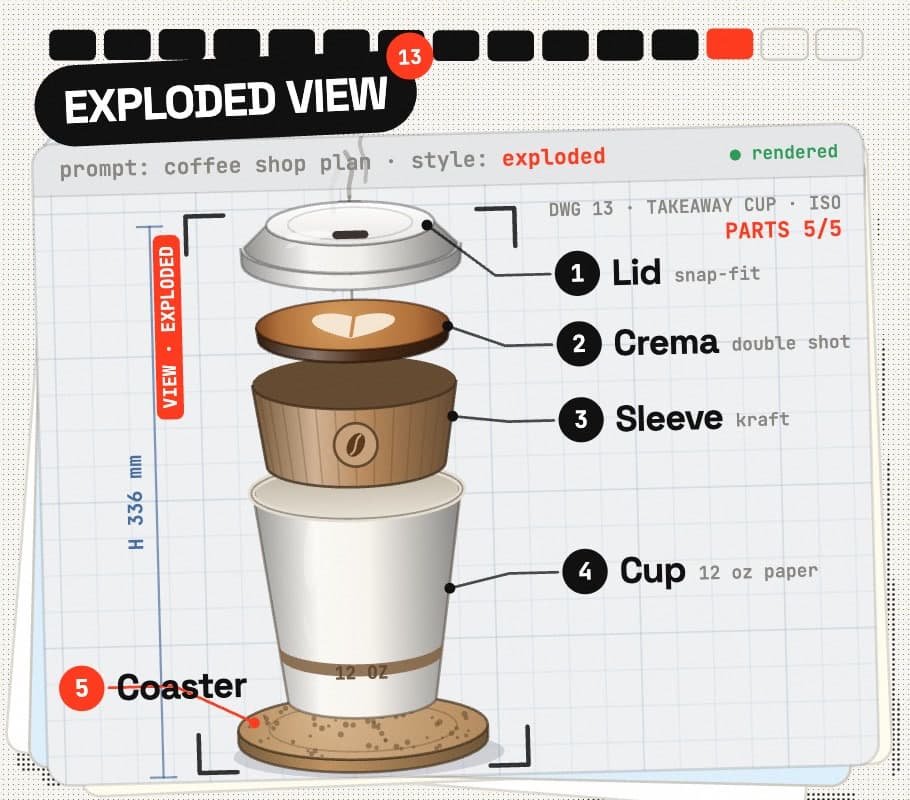
STYLE 13
Exploded view
BEST FOR Products, gadgets and "what is inside" posts
Show an exploded view of [PRODUCT]: every component pulled apart along a vertical axis with dashed alignment lines, evenly spaced, each part with a numbered callout and a short label: [PARTS]. Realistic product render, soft studio light, light grey background. Vertical 4:5.
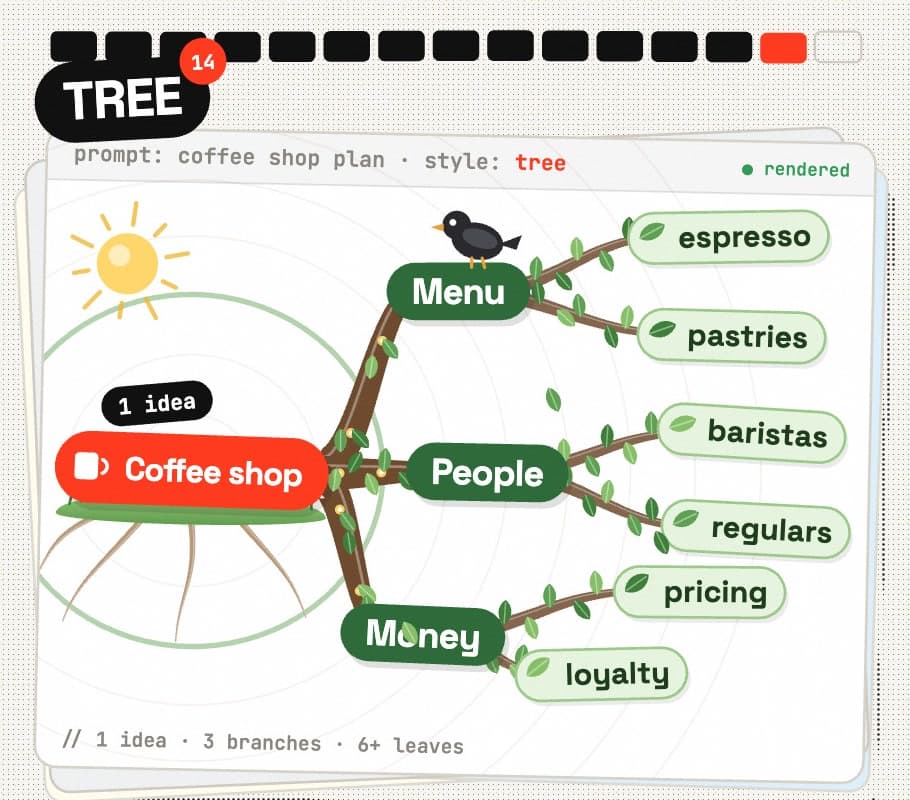
STYLE 14
Tree
BEST FOR Brainstorms, topic clusters and content pillars
Draw [TOPIC] as a tree diagram: the main idea as the root, 3 main branches, and 2-3 smaller leaves on each branch. Branches: [DETAILS]. Organic curved branches that get thinner toward the leaves, a rounded label on every node, one colour per main branch, white background. Vertical 4:5.
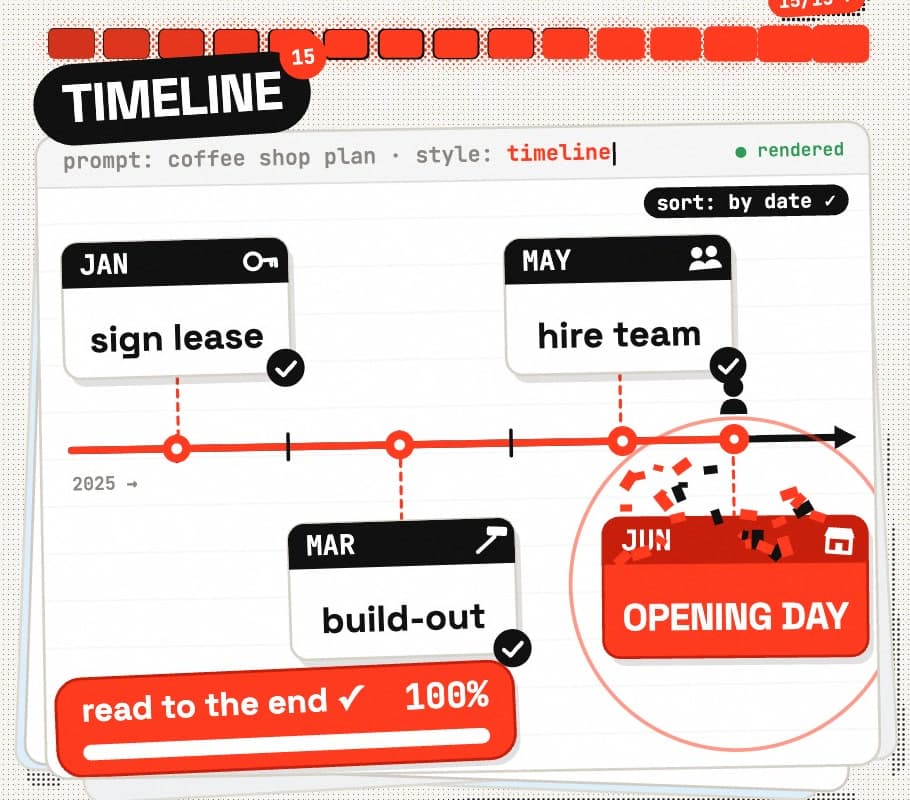
STYLE 15
Timeline
BEST FOR Stories, histories, roadmaps and case studies
Create a timeline of [TOPIC]: one horizontal line with evenly spaced dated events, alternating above and below the line, each with a short title and a simple icon: [EVENTS with dates]. Highlight the final event as the big moment. Clean modern style, light background, large readable dates. Vertical 4:5.